How to Buy a Laptop in Bangladesh: 9 Checks Before You Pay
A laptop shop will happily show you the processor and the screen size. These nine checks cover the details that decide whether the machine still feels right two years later.
Article Content
Buying a laptop in Bangladesh usually starts with a budget and a brand, and then narrows to whatever the shop has in stock. That order works against the buyer. A better order is to decide what the machine has to do, check the parts that cannot be upgraded, and only then compare prices between shops.
These nine checks take about half an hour in a showroom and cover the details that are easy to miss in a specification table.
1. Choose the processor generation before the brand
Two laptops at the same price can carry processors several generations apart. A current-generation Core i3 or Ryzen 5 will usually feel quicker, run cooler and receive updates longer than an older i7 from a previous series. Write down the exact processor model, not just the family name, and compare that number across your shortlist.
2. Check which memory is soldered
8GB of RAM is workable for office tasks, but only if you can add another stick later. Thin laptops often solder memory to the board, which makes the purchase permanent. Ask to see the bottom panel or the specification sheet, and confirm whether there is a free SO-DIMM slot. If the laptop already has 16GB and no slot, that is a fair trade; 8GB and no slot is a limit you will feel.
3. Insist on an SSD and ask about the second slot
An SSD changes how a laptop feels more than any other single part. A hard drive at the same price is not a bargain, whatever the capacity. Ask whether the SSD is SATA or NVMe and whether there is an empty M.2 slot, because storage is one of the few upgrades a shop can perform without voiding a warranty.
4. Read the display panel, not just the size
A 15.6-inch screen can be a dull 1366×768 panel or a sharp full-HD IPS panel, and shops rarely lead with that difference. Look for full-HD resolution at minimum, an IPS-type panel and a matte finish if you will work near windows. If the model page lists brightness or colour coverage, read it; if it does not, view the screen at an angle in the shop and judge it yourself.
5. Pick the laptop up before you decide
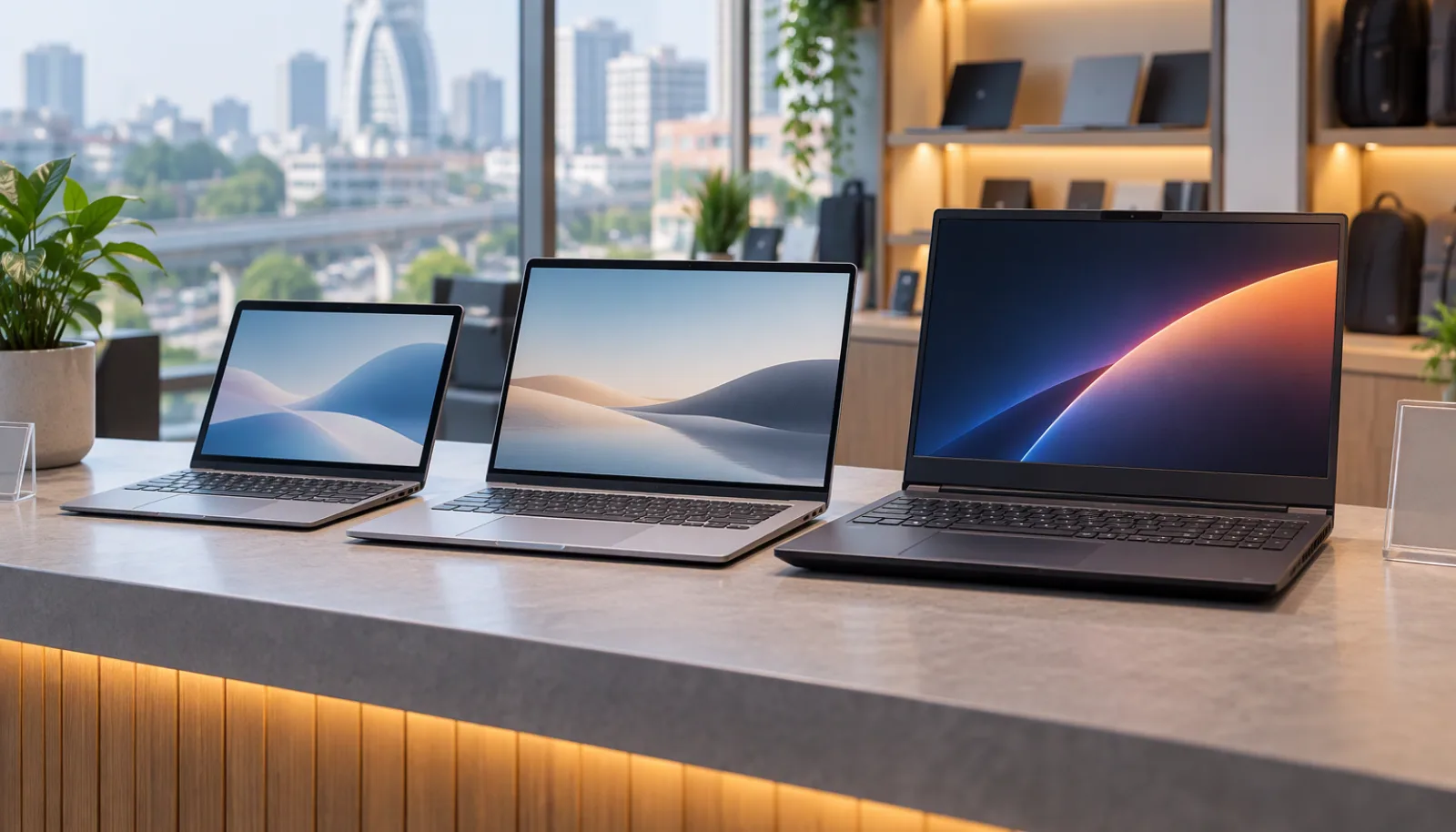
Weight is listed in grams and forgotten in seconds. A machine that is comfortable on a desk can be tiring on a daily commute, and a 16-inch gaming laptop can weigh twice as much as a 14-inch ultrabook. Lift the exact model you are considering with the charger included, because the adapter often adds another 300 to 700 grams.
6. Type on the keyboard and use the trackpad
Keyboard feel is personal and cannot be judged from a photo. Type a paragraph at your normal speed, check that the keys return cleanly and that the layout includes the keys you use for work. Then move the cursor across the whole screen with the trackpad; a small, stiff pad makes everyday use annoying in a way no specification reveals.
7. Compare battery capacity with charger wattage
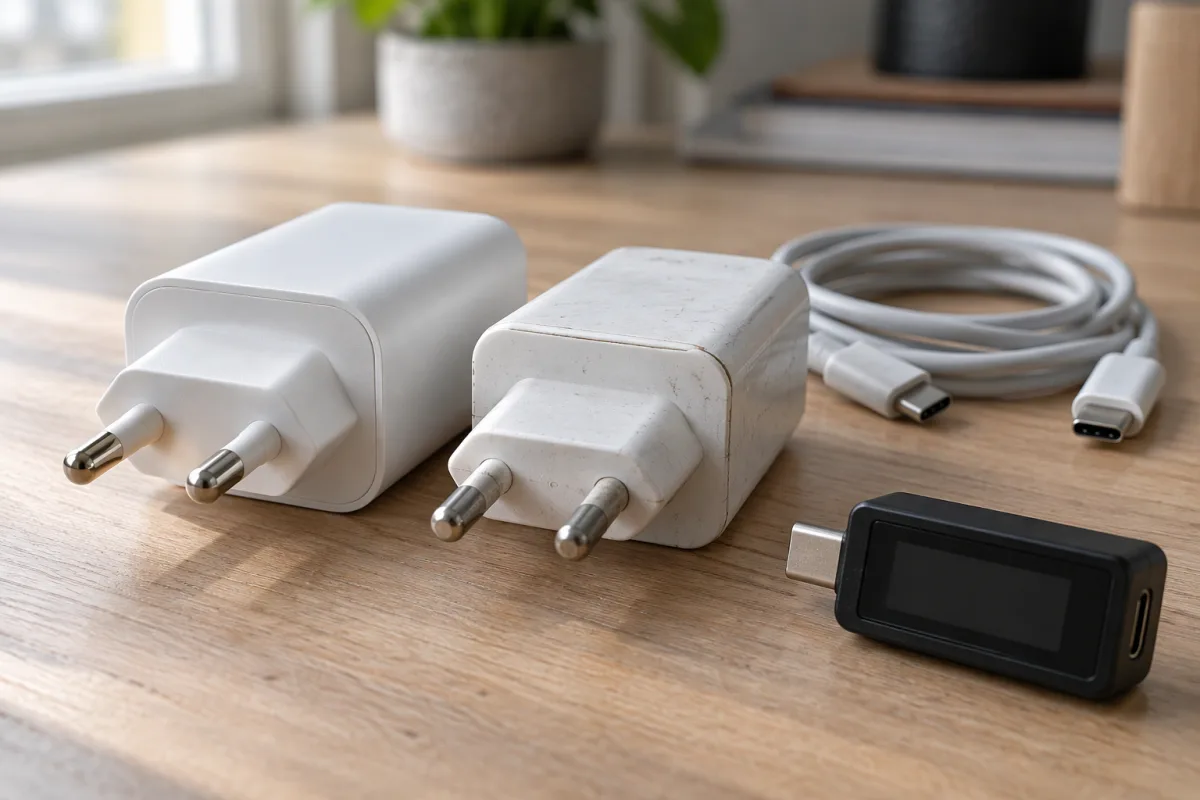
Battery life claims are tested under conditions that rarely match real use. A more reliable comparison is capacity in watt-hours and the wattage of the charger. A 50Wh battery with a 65W charger will recover faster than a 70Wh battery with a 45W charger, and a laptop that charges over USB-C can share a charger with a phone. If the charger is proprietary, check what a replacement costs.
8. Count the ports you will actually use
Modern thin laptops trade ports for size, and a hub is another item to carry and lose. Before buying, list the devices you connect in a normal week: a monitor, a projector, an external drive, a card reader, a wired mouse. Then confirm the laptop has those ports, or that the price of a suitable dock still fits your budget.
9. Compare the reference price with at least two shops
Our laptop pages list a reference price for each model so you can see where it sits in the market, from a ৳28,500 Walton to flagship gaming machines above ৳2,00,000. Use that figure as a benchmark, then call two shops and ask for the exact configuration: processor model, RAM, storage, panel and warranty. A lower price on a different configuration is not a discount.
Before you pay
Ask for the warranty terms in writing and confirm who honours them locally, not just the brand's global policy. Check the serial number against the box, test the screen for dead pixels and the keyboard for every key, and keep the invoice. A laptop is a long purchase; ten extra minutes in the shop are worth more than any accessory the shop throws in.
If you want to narrow the field first, browse all models on the laptop section or start from a brand on the laptop brands page.