Laptop Screen Care: 10 Habits That Prevent Cracks, Scratches and Pressure Marks
Most laptop screen damage comes from bags, lids and cleaning cloths rather than drops. Ten everyday habits that protect an expensive panel in Bangladeshi use.
Article Content
A laptop screen is one of the most expensive parts of the machine and one of the easiest to damage. Very little of that damage happens in dramatic drops. Most of it comes from the way the lid is opened, how the laptop travels in a bag, what sits on the keyboard, and how the panel is cleaned. All four are habits, and habits are free to change.
Below are ten routines worth building. They apply to IPS and OLED panels alike, on budget machines and on premium ones, with a note at the end for humidity.
1. Open and close the lid from the centre of the top edge
Hold the base with one hand and lift the lid by the middle of the top edge with the other. Pulling a lid open from one corner twists the hinge and the thin frame around the panel. The same applies when closing: both hands at the centre, no pressing on the display itself.
2. Never carry the laptop by the lid
Lifting an open laptop by the screen, or carrying a closed one by the lid edge, puts the whole weight of the chassis on the hinge mounts and the glass. This is how many cracked frames and bent hinges begin.
3. Put a thin cloth between keyboard and screen in the bag
Key caps leave marks on glossy panels, and grit that collects on the keyboard presses into the screen when the bag is squeezed. A thin microfiber cloth laid over the keyboard before closing solves both. It is a standard recommendation from laptop makers and costs almost nothing.
4. Clear the keyboard before you close the lid
A pen, an earbud, a SIM ejector or a USB dongle left on the keys becomes a pressure point. Check the keyboard every time before closing, especially if the laptop sits on a shared desk at home or in an office.
5. Use a sleeve with a rigid back and do not overpack the bag
Pressure marks, the white or bright patches that show up on an LCD under a heavy squeeze, are permanent. They usually come from books pressing against a laptop inside an overstuffed backpack. A sleeve with a stiff panel on the screen side, placed against your back rather than against the books, prevents most of this.

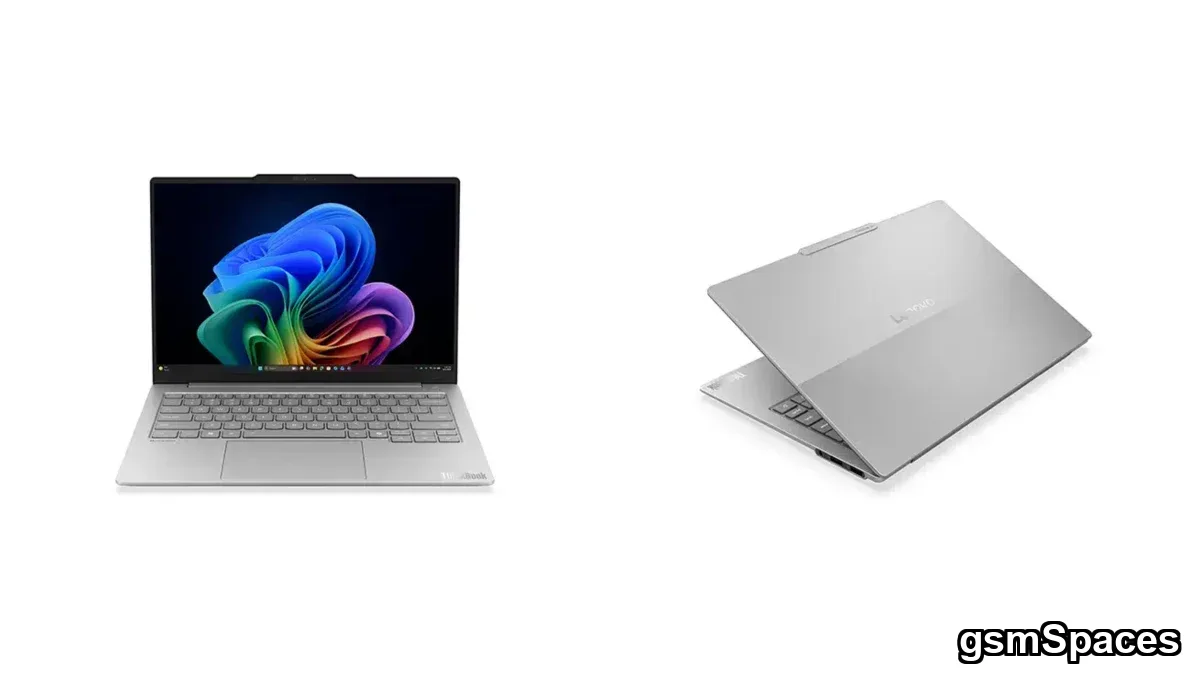
A laptop panel is only as safe as the bag it travels in. Photo: GsmSpaces product image
6. Do not press or tap the panel
Poking a screen to point at something, or tapping it hard to remove dust, presses on the layers behind the glass. Touching a touchscreen lightly with a clean finger is fine, but fingernails, pen tips and knuckle taps are not. Damage from pressure often appears days later as a bright spot.
7. Clean with a microfiber cloth, not tissues or alcohol
Power the laptop off first. Wipe dry dust with a clean microfiber cloth, then lightly dampen a corner with distilled water or a proper screen cleaner and wipe gently, without pressing. Never spray liquid directly on the panel, and skip window cleaner, ammonia, alcohol wipes and paper towels, which can damage anti-reflective coatings over time.
8. Keep the laptop out of direct sun and away from heat
Sun through a window or a laptop left on a car seat heats the panel far beyond normal use, and repeated heat exposure can yellow the display or cause the polarising layers to separate around the edges. Storing the laptop in its sleeve, away from windows and radiators, is enough in most homes.
9. Watch cables and hinges
A charger plug pressed against the lid edge when the laptop is used on a small table can chip the frame. Open the lid only within the angle the hinge supports and close it before moving the machine. If the lid has started to wobble or the hinge feels stiff on one side, get it checked early, because hinge strain eventually reaches the screen mounts.
10. Treat early warnings seriously
A faint vertical line, a bright patch that was not there before, flicker when the lid moves, or a hairline crack at a corner are all signs to stop closing the lid and get the machine looked at. A small crack can be sealed in a service centre; a crack that keeps spreading through the panel usually means a full replacement. Avoid glue-only fixes that press on the glass.
A note for humid weather
In Bangladesh, monsoon humidity and air-conditioned rooms create condensation when a cold laptop meets warm, moist air. Let the machine sit closed for a few minutes after moving between the two, keep a silica gel pack in the laptop bag, and never wipe a fogged panel with a cloth, since trapped grit under pressure scratches the coating.
If you are buying a laptop
Screen protection starts at purchase. Our nine-point laptop buying checklist covers panel type, hinge feel and warranty terms to confirm before paying, and the full laptop catalogue lists current models with prices in Bangladesh.